
News
- November 12, 2026
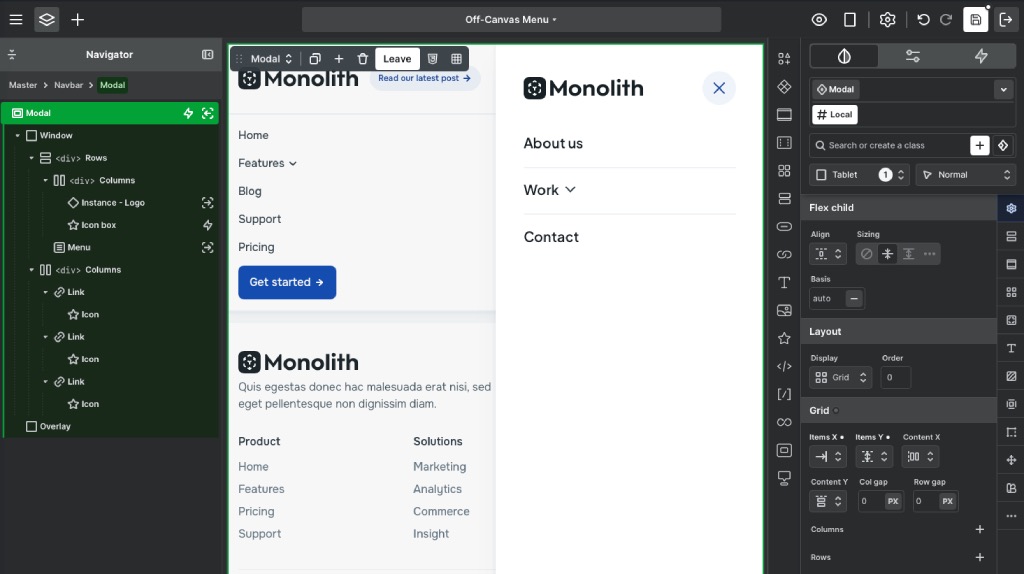
Build a mobile-friendly off-canvas menu in Mosaic Builder. This guide covers choosing a Library design, customizing its links and styles, and testing the finished menu.
- November 11, 2026
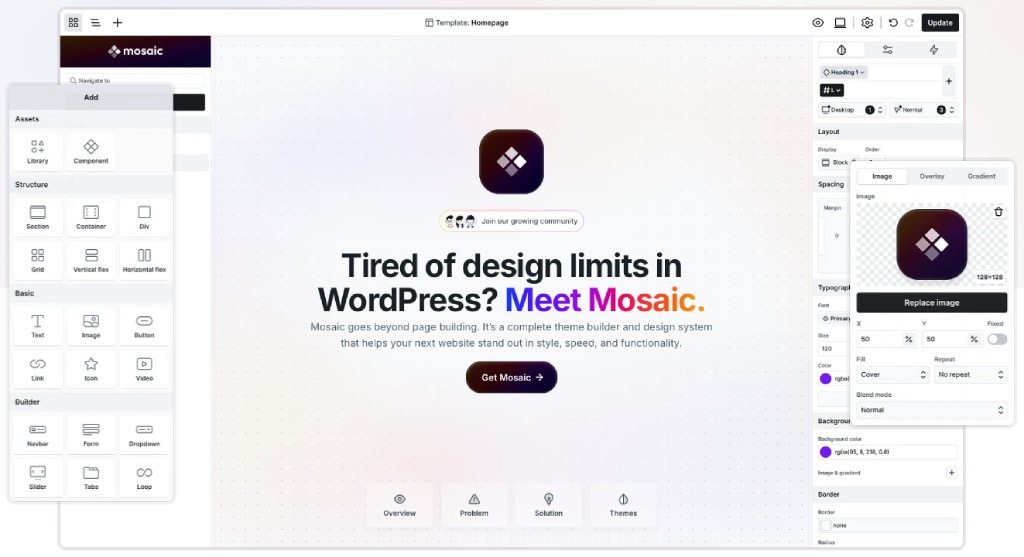
Make the Mosaic Builder workspace feel right for you. Explore its Light, Dark, and Match system modes, and learn how to switch without changing your website’s appearance.
- October 27, 2026
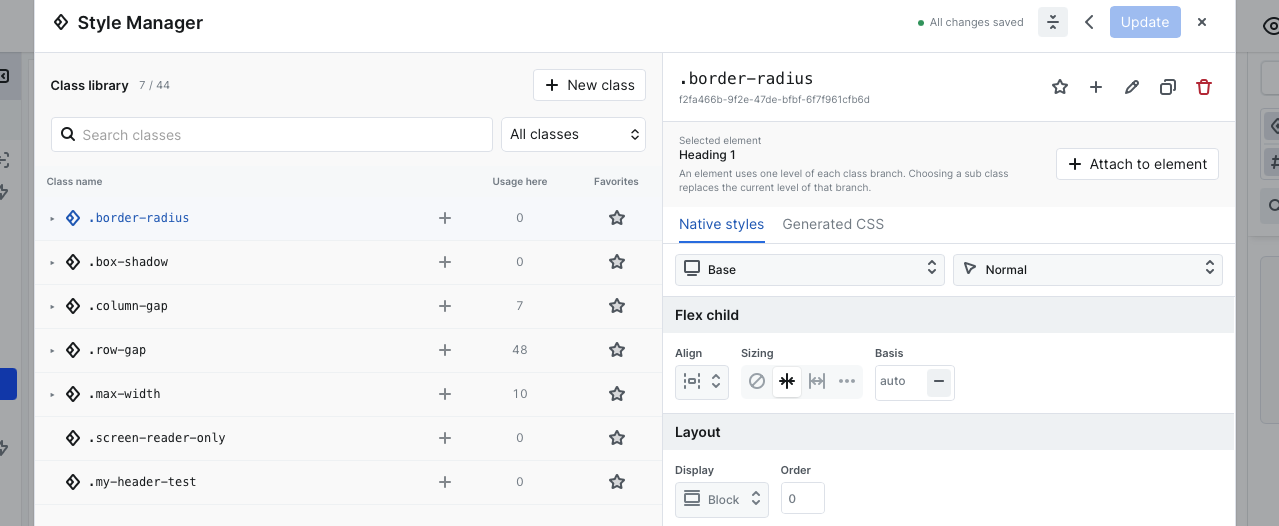
Create and manage Mosaic classes in one searchable workspace. See changes on the live canvas, build nested sub classes, check where styles are used, and attach them to elements when you’re ready.
- October 25, 2026
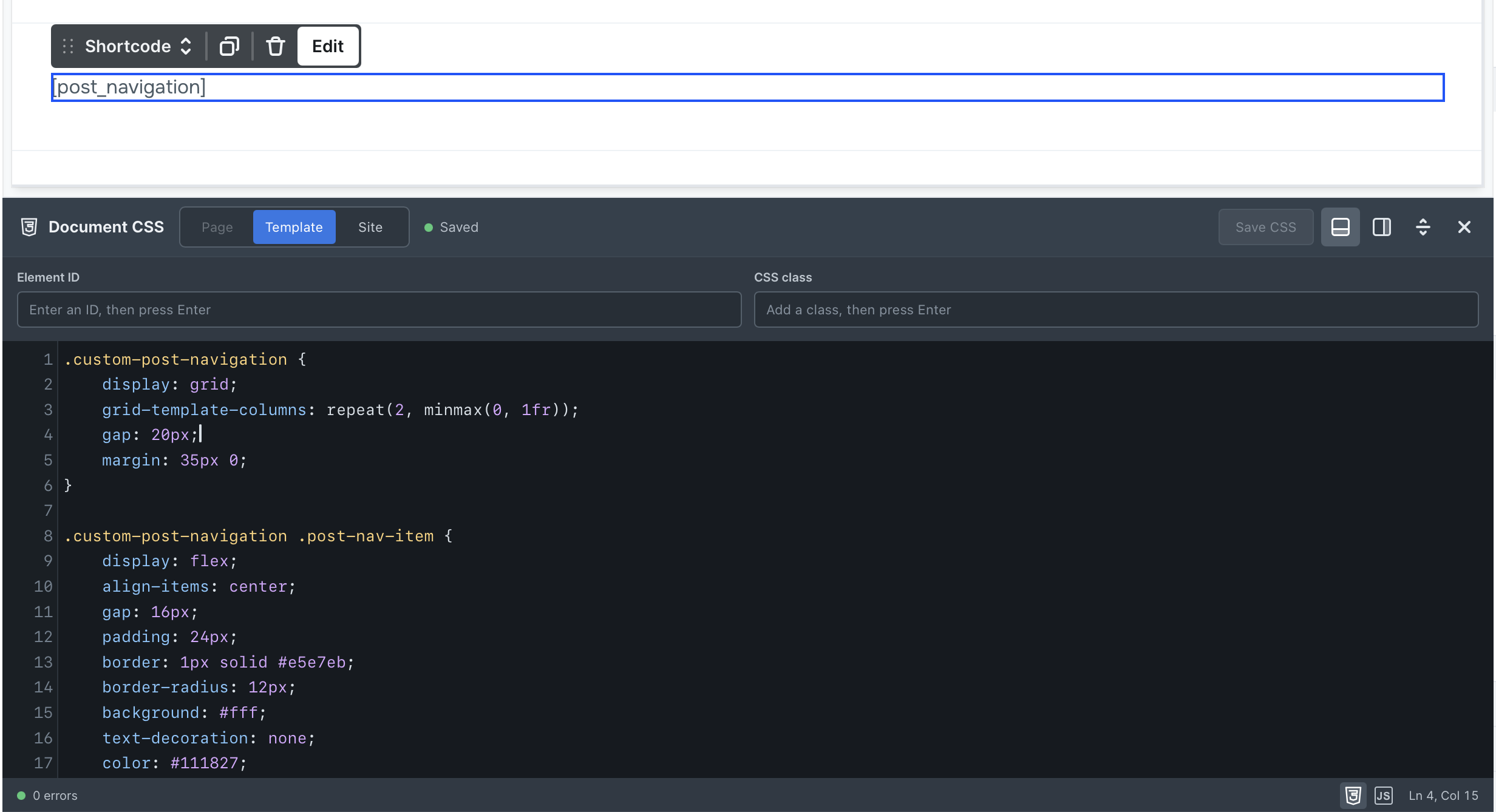
Learn how to add stylish Previous and Next Post navigation in Mosaic Builder using a WordPress shortcode. Includes PHP, CSS, and a step-by-step guide.
- October 24, 2026
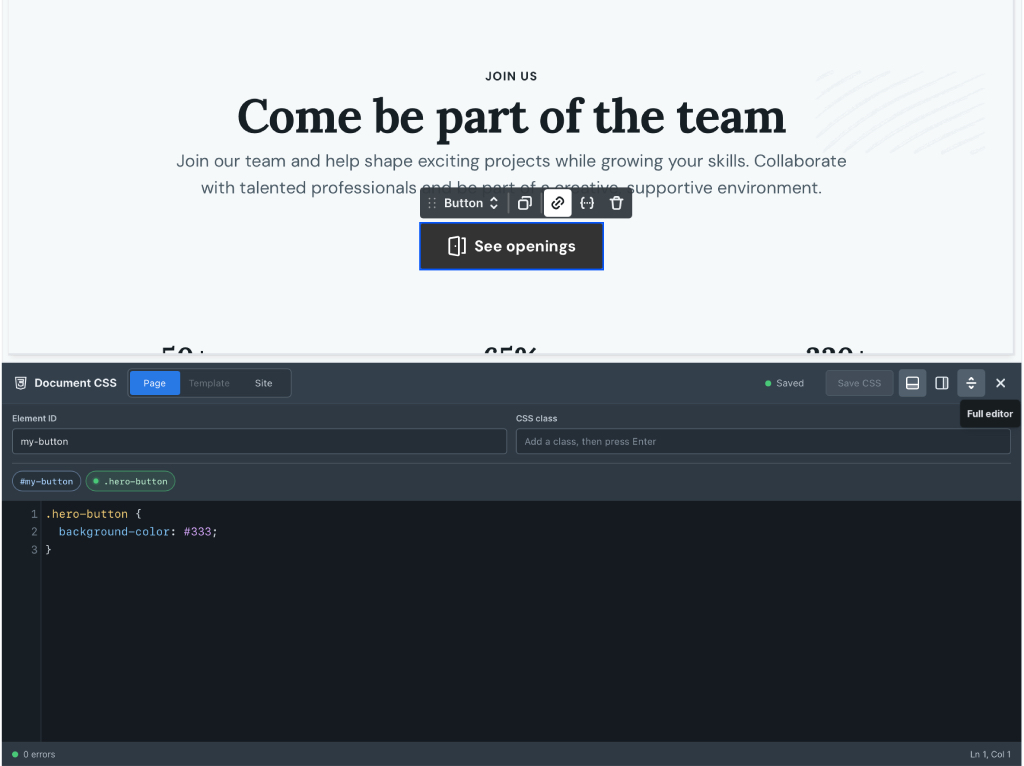
Mosaic Builder provides extensive visual styling controls, but some designs require more precision than a settings panel can offer. You may need advanced selectors, CSS variables, pseudo-elements, animations, media queries, or styles that affect multiple elements together. The Document CSS feature in Mosaic Editor Plus provides a professional CSS...
- October 23, 2026

Mosaic Editor Plus 0.1.5 introduces complete element style copy and paste for Mosaic Builder. Transfer classes, subclasses, states, and responsive breakpoint values without copying content, settings, or child elements.
- October 18, 2026
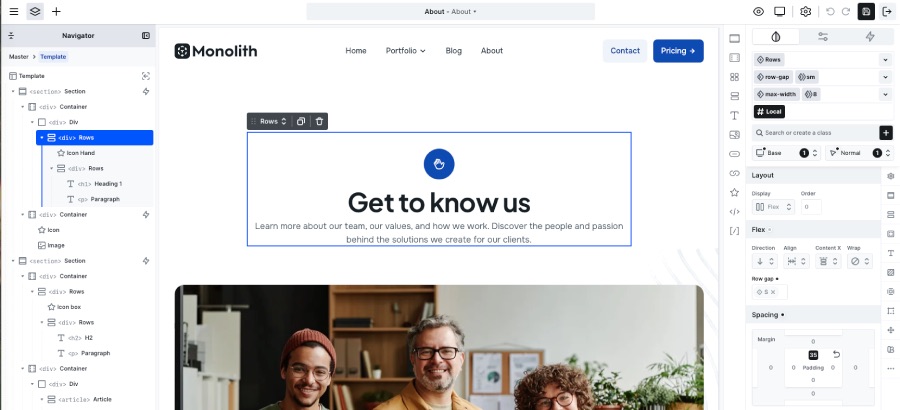
More Control. Fewer Clicks. A Better Mosaic Workflow. Make everyday editing easier with visual layout tools, customisable shortcuts, and practical enhancements for Mosaic Builder. Features of Mosaic Editor Plus Mosaic Builder provides a powerful visual environment for creating WordPress websites. Mosaic Editor Plus builds on that experience by...
- October 17, 2026
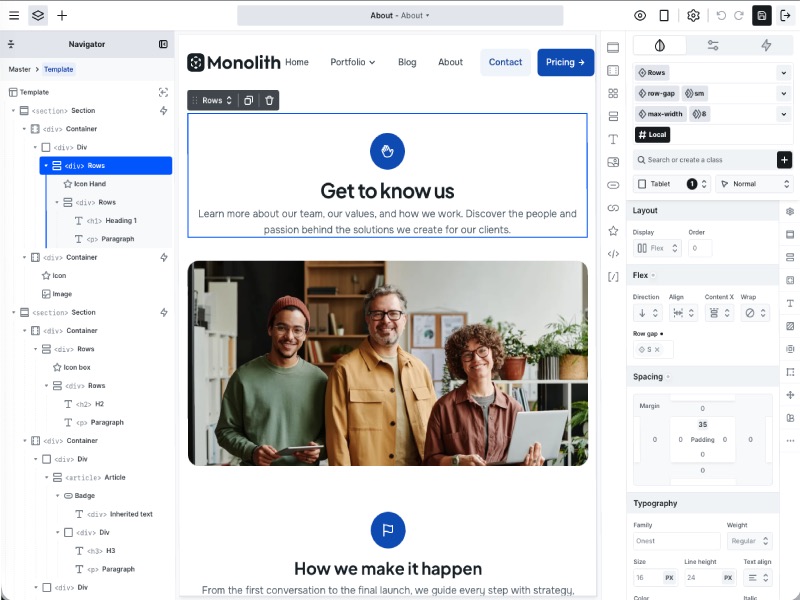
Every website starts with a few familiar building blocks. You add a section, place a container, create a grid, and repeat that structure as your design takes shape. When you use the same elements throughout a project, keeping them close makes a difference. The Element Shortcuts panel in Mosaic Editor Plus gives your frequently used Mosaic...
- October 9, 2026
Great design takes concentration. Adjusting spacing, finding the right style controls, and repeating everyday actions shouldn’t interrupt it. Mosaic Editor Plus brings visual controls, useful shortcuts, and flexible workspace options to Mosaic Builder, helping you spend more time shaping your website and less time navigating the editor. Whether...
- October 3, 2026
Choosing the right website builder can make a huge difference in how quickly, efficiently, and confidently you build a website. With so many page builders available today, it can be difficult to decide which one deserves your time. For us, Mosaic Builder stands out because it offers a practical balance of flexibility, performance, and a […]