

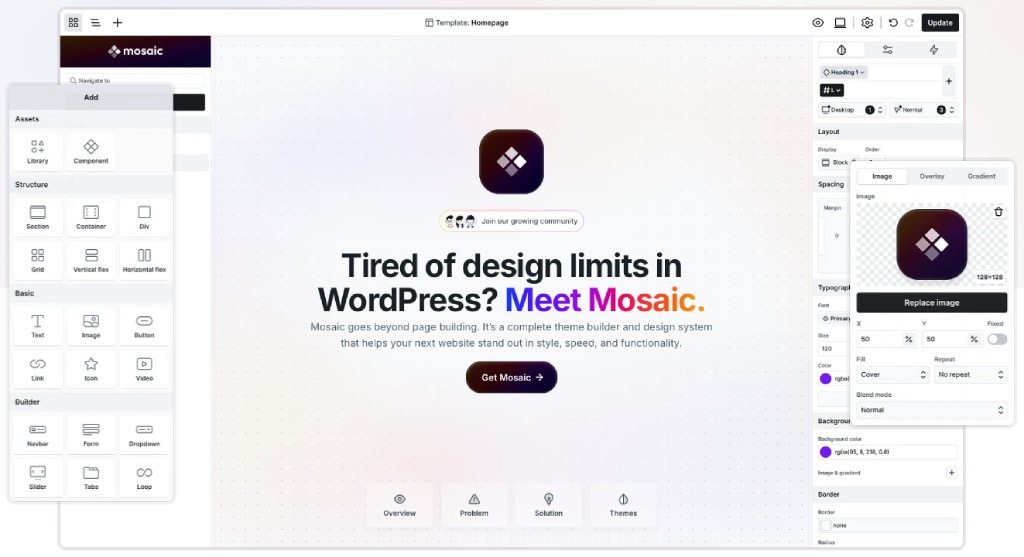
A good editing workspace should help you focus on the page you’re building. Mosaic Builder now gives you three appearance choices for its editor: Light, Dark, and Match system. You can choose the look that feels comfortable without changing the website your visitors see. Mosaic Builder’s release announcement
Three ways to work
Light gives you a bright workspace and uses Mosaic’s refreshed light palette. It’s a familiar choice if you prefer a lighter interface while editing during the day.
Dark changes the editor’s panels, Navigator, style settings, and Live Preview window to a darker appearance. It can feel more comfortable when you’re working in the evening or alongside other dark apps.
Match system follows your computer’s appearance setting. If your device switches between light and dark, Mosaic follows it. This is the default option. Mosaic Builder’s editor documentation
Your canvas stays true to your design
The appearance setting changes the workspace around your page. It does not recolor the page on the canvas or change the site visitors see. That separation matters: you can work in a dark editor while checking a light website against its actual design.
It also differs from a light and dark mode switcher for visitors. If you want your website to offer both modes, Mosaic has a separate approach using color variable modes and interactions. Mosaic’s dark/light mode switcher tutorial
How to change the editor appearance
- Open the Mosaic Builder editor.
- Open Settings from the top bar and choose Editor preferences.
- Under Appearance, select Light, Dark, or Match system.
- Click Save preferences.
You can preview each appearance while the preferences window is open. Mosaic saves the choice for you on that site, so other people editing the same site can keep their own preference. Your saved setting carries across your open tabs and browsers. The rest of the WordPress dashboard keeps its usual appearance. Mosaic Builder’s release announcement
A small choice that makes everyday editing better
Some days call for a bright workspace; others call for a quieter one. With three appearance modes, you can set up Mosaic Builder to suit the way you work while keeping your attention on the content, layout, and details that make the site yours.
Open Editor preferences and try each mode. The best choice is the one that lets you settle in and build.